 Founders Eye
For small and medium businesses
See your whole business, from stock to cash, on one screen
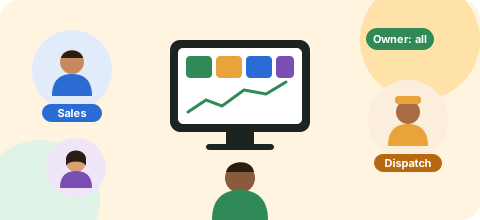
Founders Eye brings your inventory, dispatch, sales and accounts into one simple app. You see everything. Your team sees only their own work. No costly CRM, no IT team, no six-month setup.
The demo opens as the founder of a sample food distributor. Nothing you do there is saved.
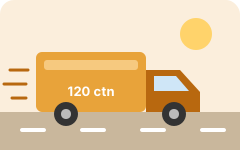
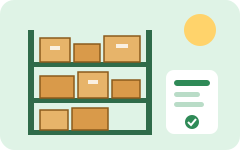
- 2,916cartons in stock
- 2orders to pack
- 2on the way
- 7delivered, unpaid
- Poha, thick below reorder level at Nashik
- 3 invoices past due, ₹4.23 L
- 1 order waiting over a day for a vehicle
- 4departments in one app
- 3access levels per person: none, view, edit
- 1screen for the owner to see it all
- 0servers or IT staff needed
Sound familiar?
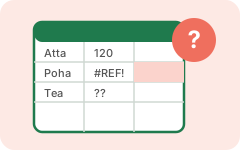
Stock lives in Excel
Someone updates the sheet at night, if they remember. By morning it is already wrong, and you find out when a customer's order cannot be packed.

Orders live on WhatsApp
Salespeople send orders in five different groups. Dispatch scrolls back to find them. Two people sell the same last cartons.

Money lives in Tally
Your accountant knows who owes what, but only at month end. You call three people to find out whether you can pay a supplier this week.
Big CRMs and ERPs promise to fix this, but they charge per user, take months to set up and need someone technical to run them. Founders Eye is built for owners who want the answer without the overhead.
Who it's for
Made for businesses with stock, a team and no IT department
Businesses like yours
- Distributors, wholesalers and stockists
- D2C and FMCG brands, food and packaged goods
- Small manufacturers and traders
- Anyone with goods in one or more warehouses: your own, leased, or run by a 3PL
- Teams of about 5 to 200 people who have outgrown Excel but find Zoho or SAP too heavy
Everyone in it gets their own view
- FOFounder or owner
- The full picture: every department, every warehouse, every rupee.
- OMOperations manager
- Stock and dispatch across sites, sales in view-only.
- SKStore keeper
- Only their own warehouse: receive, count and move stock.
- DIDispatch in-charge
- The dispatch board: what to pack, which truck, what is delivered.
- STSales team
- Their orders, customers, targets and who owes money.
- AOAccountant or outside CA
- Invoices, bills, GST and bank. A CA can be given view-only access.
How it works
One flow from stock to cash, so nothing is typed twice
- 1
Stock comes in
The store keeper records cartons received, on a phone if they like. The supplier's bill is added to Finance on its own.
 2
2An order is placed
The salesperson books the order and the cartons are reserved at once, so nobody can sell them twice.
- 3
It is dispatched
Dispatch books a transporter, or gives the customer's own truck a dock slot. Freight or loading charges are recorded.
 4
4Delivery raises the invoice
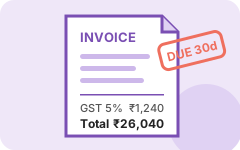
Mark it delivered and the invoice is created with GST worked out. It shows up in who owes you money.
 5
5You see cash coming
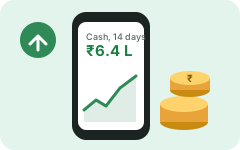
Payments update the bank balance and a 14-day cash forecast. The overview shows the whole flow and the top alerts.
What each department gets
Inventory
- Stock by item and warehouse
- Own, leased or 3PL warehouses, as many as you have
- Reorder alerts and stock counts
- Move stock between sites
Logistics
- Dispatch board from order to delivery
- Book a transporter and record freight
- Customer's own truck: dock slot and loading per carton
- What is on the way, at a glance
Sales
- Orders that reserve stock
- Targets per salesperson
- Lead pipeline
- Who owes you, and for how long
Finance
- Invoices on delivery, supplier bills
- GST worked out from invoices and bills
- Profit by month, rent and fixed costs
- Bank accounts and 14-day cash forecast
Access you control
Each person sees only what you allow
For every person and every department you choose no access, view only or edit. You can limit a store keeper to one warehouse, or give your CA a read-only window into the accounts. The database itself enforces it, so a salesperson never receives your profit numbers even if they try.
Your team signs in with your business code, their name and a password. They do not need an email address.
| Person | Stock | Dispatch | Sales | Money |
|---|---|---|---|---|
| Founder | Edit | Edit | Edit | Edit |
| Store keeper | Edit | View | None | None |
| Salesperson | View | None | Edit | None |
| Outside CA | None | None | None | View |
Benefits
What changes when you use it
Know without calling anyone
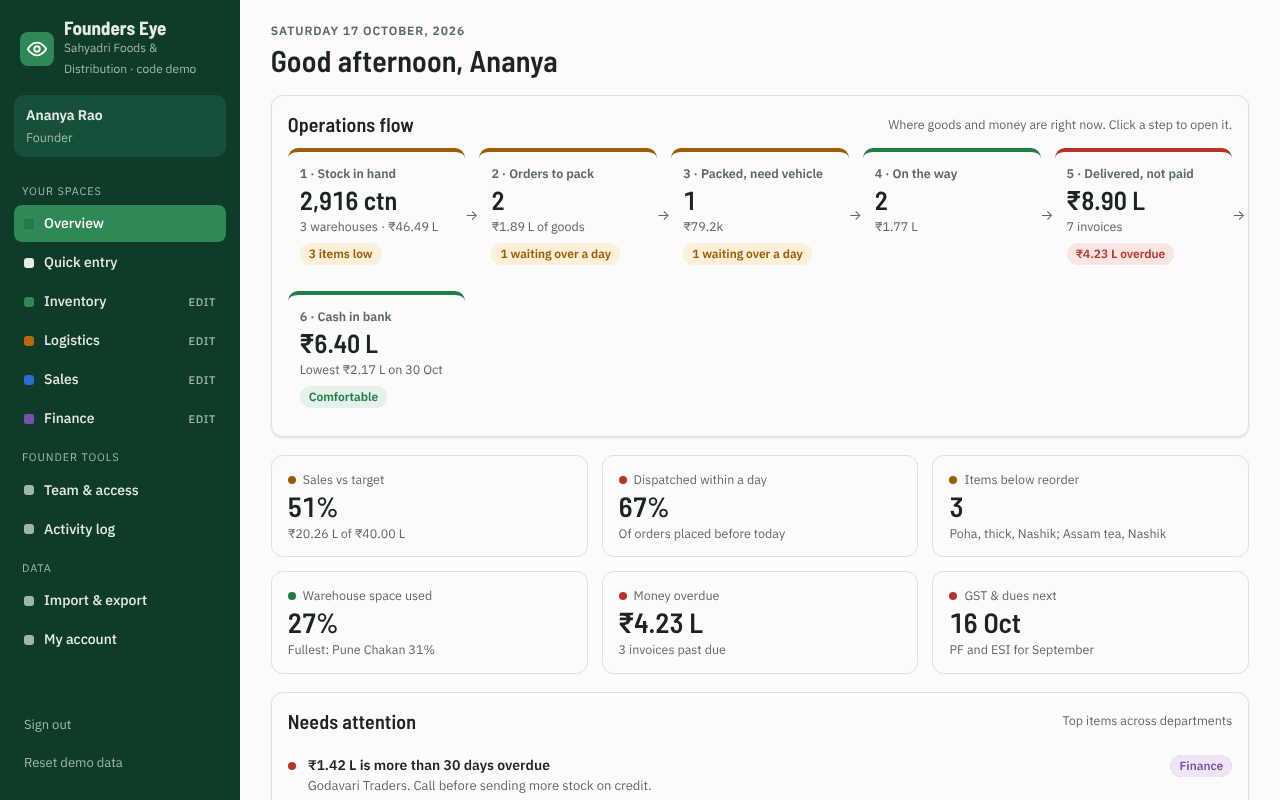
Open one screen in the morning and see stock, orders to pack, trucks on the way, who owes you and cash for the next two weeks.
Fewer stock-outs and wrong dispatches
Orders reserve stock as they are placed and reorder alerts warn you before an item runs out at a warehouse.
Get paid sooner
Invoices are raised the day goods are delivered, and overdue customers are listed by how late they are.
GST and month end without the scramble
GST is worked out from your invoices and bills as you go. Import your Tally or Busy day book instead of typing it again.
Your team works from the floor
A quick-entry screen for phones. Entries made without internet are saved and sent when the signal comes back.
Costs a fraction of a CRM
No per-module licences, no consultants, no server to buy. Set up your warehouses and items, add your team and start the same day.
How it compares
| Excel and WhatsApp | Tally alone | Big CRM or ERP | Founders Eye | |
|---|---|---|---|---|
| Live stock by warehouse | Manual, often out of date | Partly | Yes | Yes |
| Orders reserve stock | No | No | Yes, after setup | Yes |
| Dispatch and trucks | Phone calls | No | Extra module | Included |
| Owner's one-screen overview | No | No | With custom reports | Included |
| Per-person view or edit access | No | Limited | Yes | Yes |
| Setup | None | Accountant | Weeks to months | Same day |
| Cost | Free, but costs time | Licence | Per user, per module | From ₹499 a month per business |
Keep using Tally for your books if you like. Founders Eye imports its day book.
Live demo
Try it before you sign up
Open a working copy of the app with a sample business: Sahyadri Foods & Distribution, a Pune distributor with three warehouses, eight items and a team of eight. You start as the founder. Place an order, dispatch it, mark it delivered and watch the invoice and cash forecast change.
To see the app through someone else's eyes, sign out and pick another person, such as the Nashik store keeper or the outside CA, and notice what they cannot see.
The demo runs in your browser only. Nothing is saved, and reloading starts fresh.
Log in
Choose how you sign in
Business owner
Sign in with the email and password you used to create your business account.
Owner sign-in →Team member
Type your business code, pick your name and enter the password your owner gave you. No email needed.
Team sign-in →Warehouse provider
Run a warehouse or 3PL for other businesses? Sign in with your email. Your own app is coming soon.
Provider sign-in →New here? Create a business account or sign up as a warehouse provider. Every account opens on its own side after sign-in.
Questions
Things owners ask us
What does it cost?
The first 30 days are free, with no card needed. After that you pay per business, not per user. Each department is priced on its own: Logistics ₹499 a month, and Inventory, Sales or Finance ₹799 a month each. Inventory, Logistics and Sales together are ₹1,499, and Everything, all four departments, is ₹1,999 a month. Prices are before GST, and you choose your plan after you sign up.
How long does setup take?
Most businesses can start the same day. Add your warehouses and items (or upload them from Excel), your customers and transporters, then add your team and choose what each person can see.
We already use Tally or Busy. Do we have to stop?
No. Keep your books in Tally or Busy. Founders Eye imports their day book (Excel or Tally XML) into Finance, and skips entries it has already seen.
Is our data safe?
Your data is stored in India (Mumbai). Each business is kept apart in the database, and every request is checked against the person's access, so a store keeper limited to one warehouse only ever receives that warehouse's data.
Our warehouse has poor internet.
The quick-entry screen keeps entries on the phone when the signal drops and sends them when it is back.
Do my staff need email addresses?
No. Only the owner signs in with email. Staff sign in with your business code, their name and a password you set.
We use a 3PL warehouse. Does that work?
Yes. Mark a warehouse as Own, Leased or 3PL, record rent per warehouse and import the 3PL's stock report to match counts.
Run your business from one screen
Create your account, add your team and see stock to cash today.
Run a warehouse for other businesses? Join the provider waiting list.